
"Saved us 30+ hours on a 60-page commercial bid. The AI caught devices I would have missed at 2 AM. Still verify everything, but now it takes minutes instead of days."
Stop Counting. Start Winning Bids.
AI-powered construction takeoffs in 15 minutes, not 40 hours. Upload your plans. Get professional material lists, circuit counts, and labor estimates.
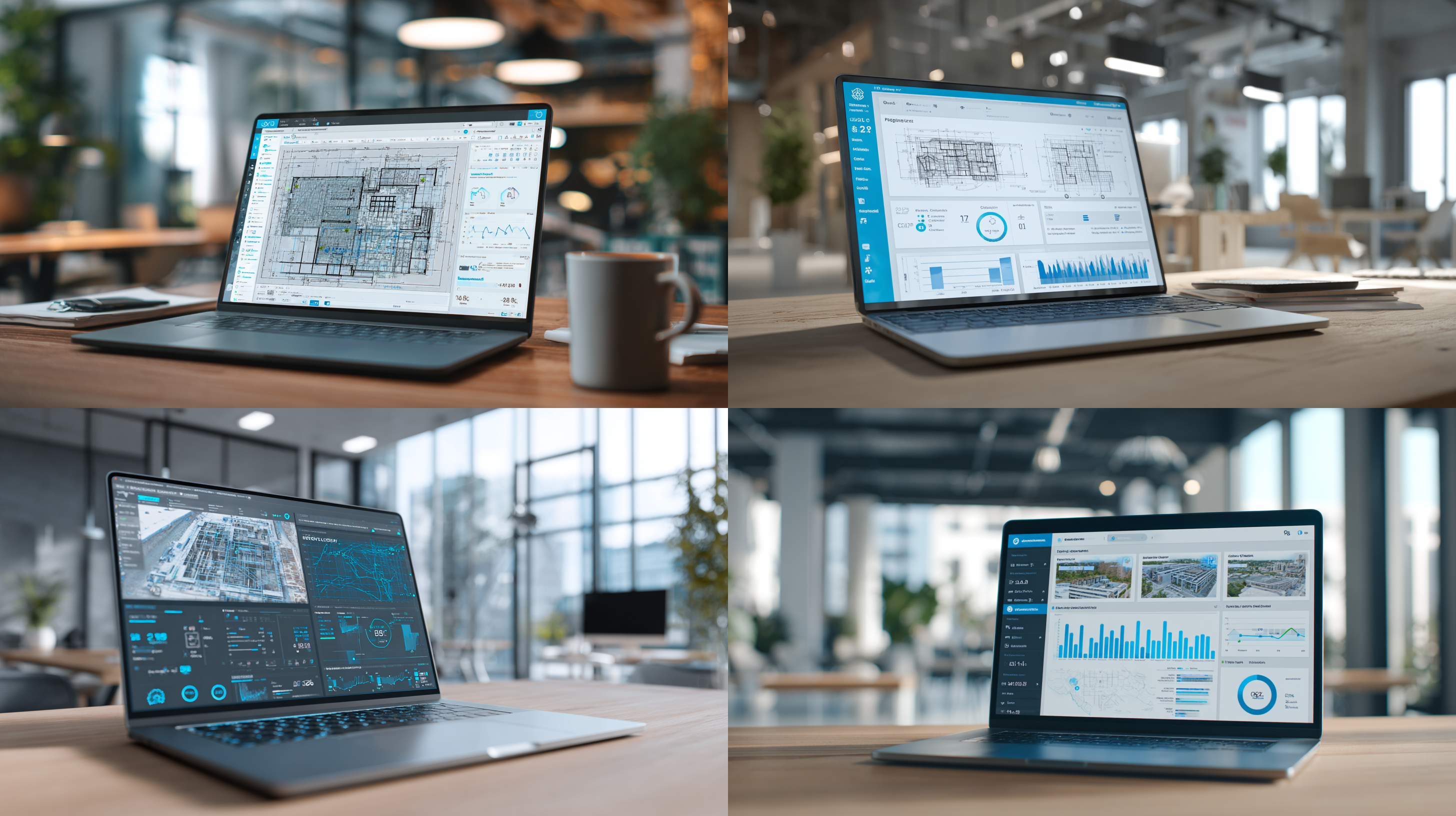
AI-Powered Precision
Transform construction plans into accurate material takeoffs in 15 minutes
AI-Powered Takeoffs for Every Trade
Upload your plans. Select your trade. Download material counts ready to price. Works with electrical, HVAC, plumbing, fire protection, and more.
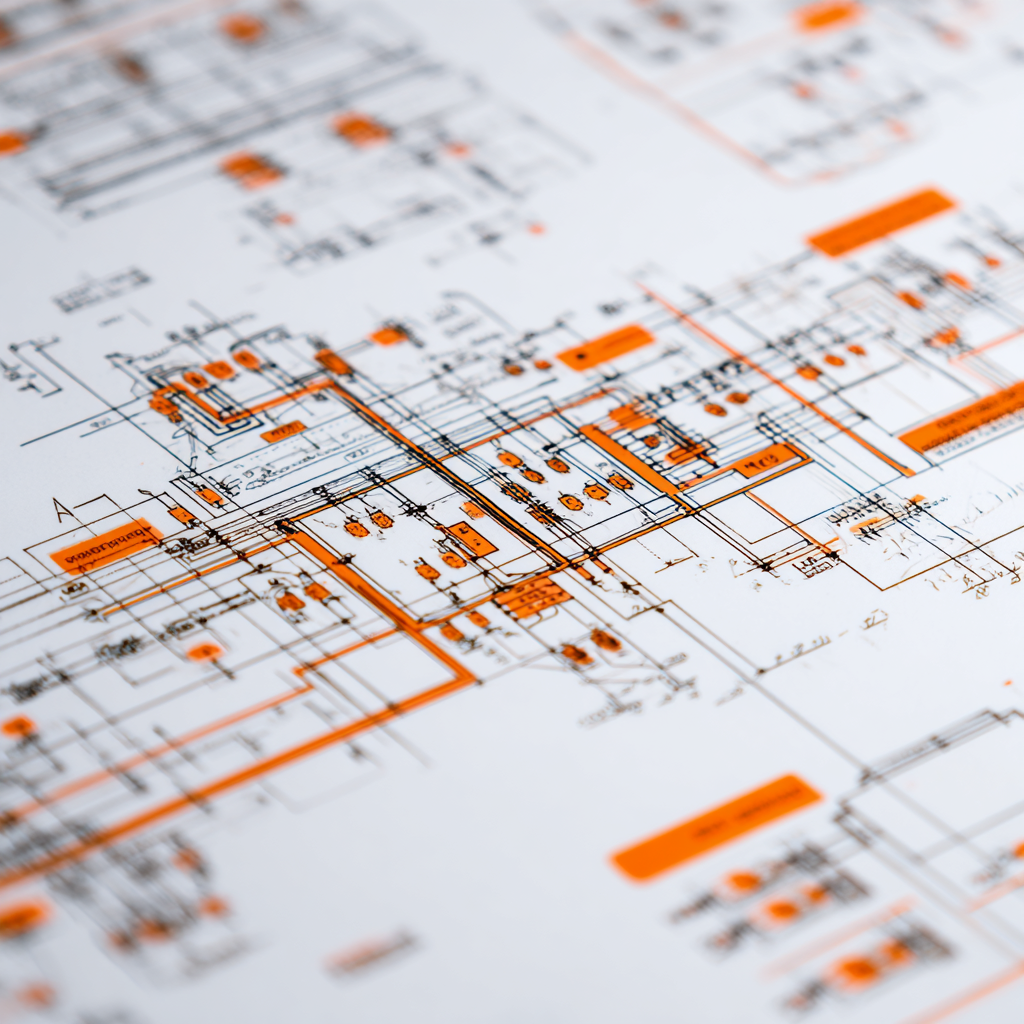
/images/hero-3.png
/images/hero-2.png
Electrical Takeoffs
AI reads your electrical plans and delivers complete material lists in minutes. Get receptacle counts, switch locations, fixture schedules, and wire runs ready for your supplier order.
- Circuit counts and panel schedules extracted automatically
- Wire footage calculations for material ordering
- J-box locations and device counts by type
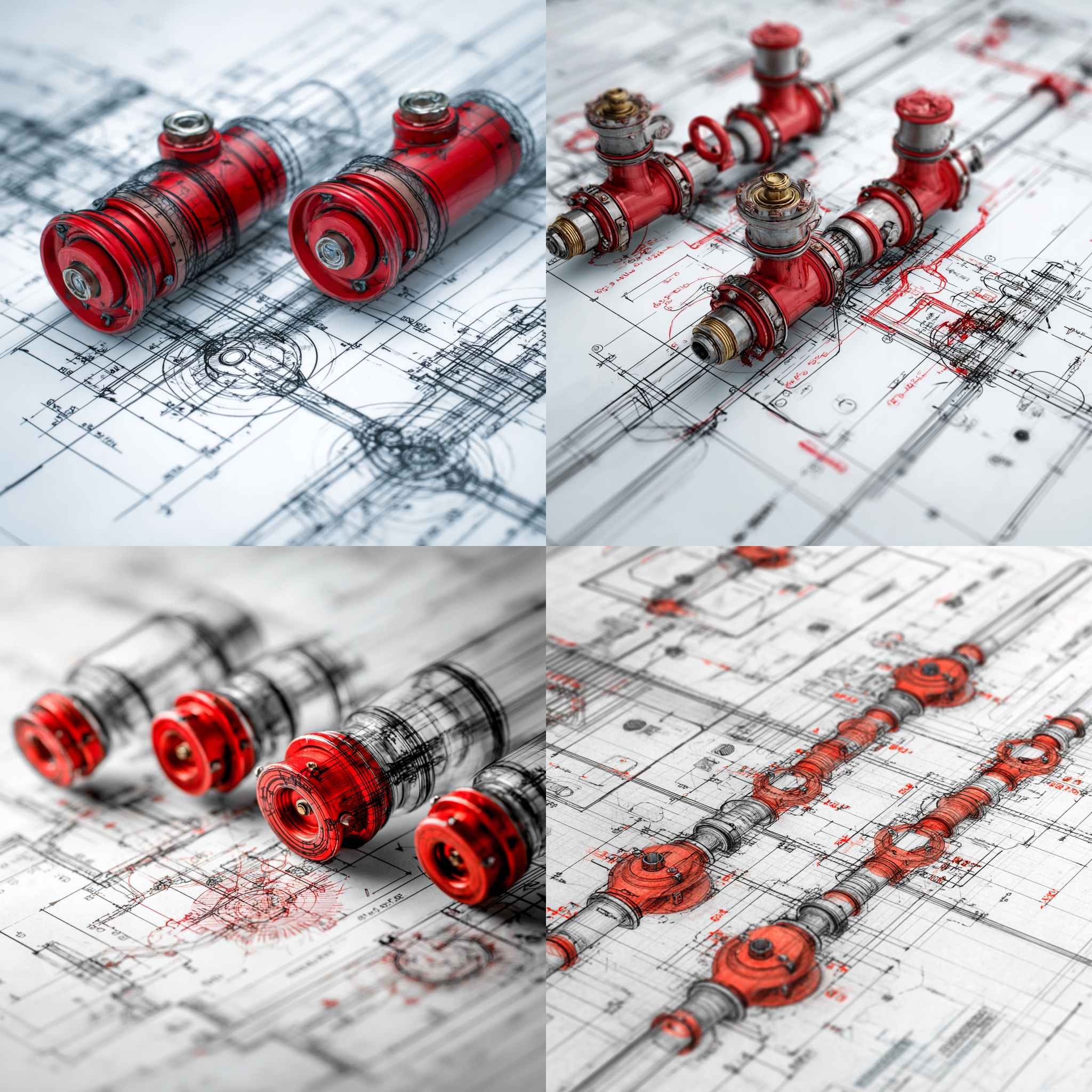
/images/logo.svg
/images/logo-white.svg
HVAC Takeoffs
Upload mechanical drawings and get complete HVAC material counts. Equipment lists, ductwork by size, refrigerant piping runs, and diffuser schedules ready to price.
- Equipment schedules with sizing and placement
- Ductwork counts organized by size and material
- Diffuser and register quantities by zone

/images/trades/hvac.png
/images/trades/fire-protection.png
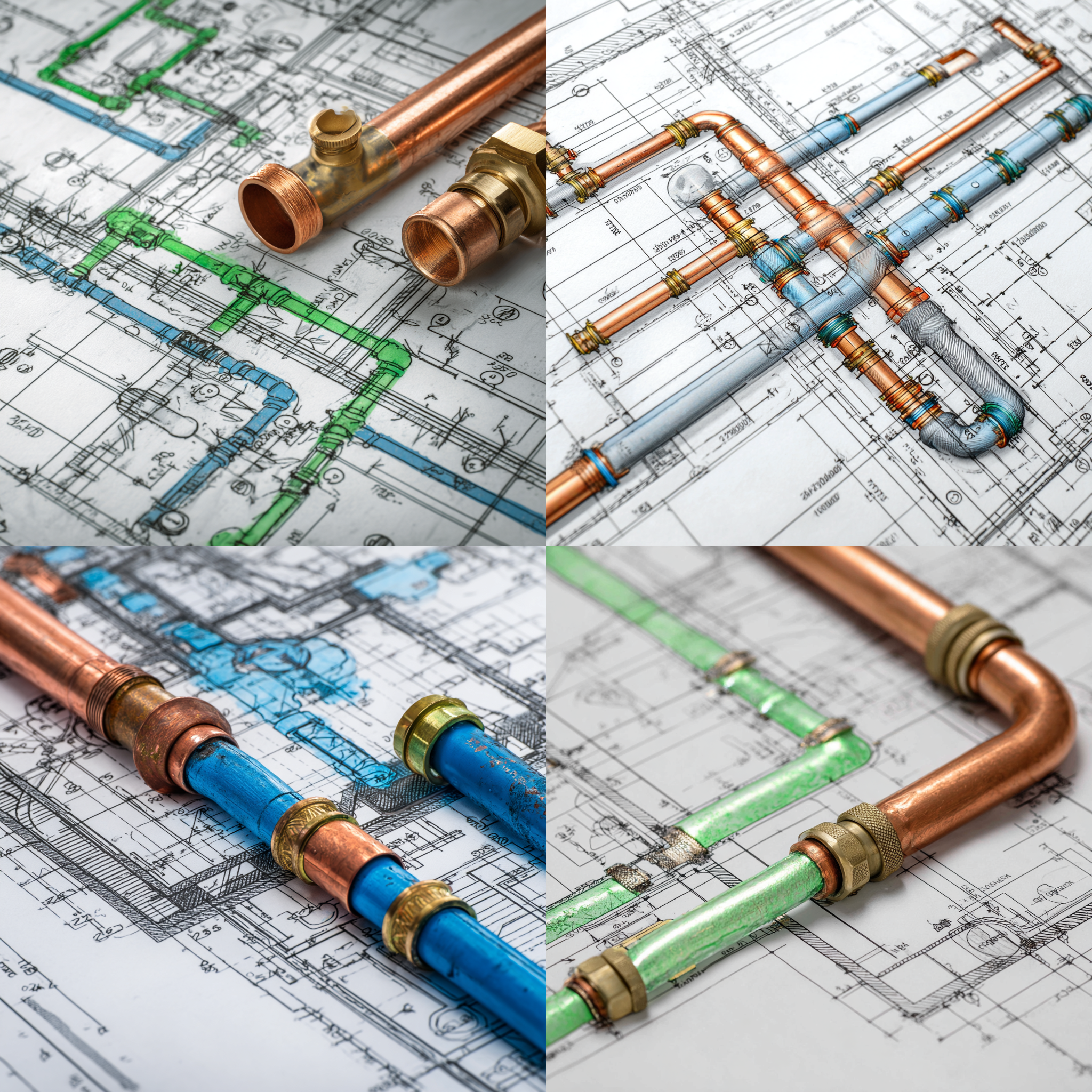
Plumbing Takeoffs
AI analyzes plumbing plans and counts every fixture, valve, and pipe run. Get complete material lists organized by floor and zone, ready for your estimating software.
- Fixture counts organized by type and location
- Pipe runs calculated by size and material
- Valve schedules and drainage calculations
15-Minute Initial Counts, Then Your Review
AI delivers initial counts in about 15 minutes. You review flagged items and spot-check the rest—typically 15-30 minutes more. Total time: under an hour instead of 40+ hours starting from scratch.
- Upload your PDF plans—any size, any format
- AI counts components and flags questionable items for review
- Download Excel or CSV ready for your estimating software
See It In Action
Watch how AI transforms your construction plans into accurate material lists
AI That Actually Understands Plans
Claude AI understands construction plans semantically—not just OCR text recognition. It recognizes what components mean in context. A J-box near a panel isn't the same as a J-box in a parking lot. This context awareness catches what pattern-matching misses.
- AI achieves 95%+ accuracy on standard commercial drawings
- Consistent results—AI doesn't get tired counting at hour 30
- Questionable items automatically flagged for manual review
More Trades, One Platform
TakeoffBuilder supports eight construction trades at launch. Upload plans for fire protection, low voltage, solar, security, and more. Same fast AI-assisted workflow across all trades.

Fire Protection Takeoffs
Automated fire protection system takeoffs including sprinkler head counts, pipe runs, and hydraulic calculations extracted from your drawings.
- Fire sprinkler head counts by type and coverage area
- Pipe runs organized by diameter and material
- Hydraulic calculation data points extracted from plans

Data & Low Voltage Takeoffs
Low voltage and data/comm takeoffs with device counts, cable runs, and equipment schedules. Get accurate material lists for structured cabling projects.
- Data drops, access points, and cable counts by zone
- Patch panel and rack equipment schedules
- Cable run distances for material procurement
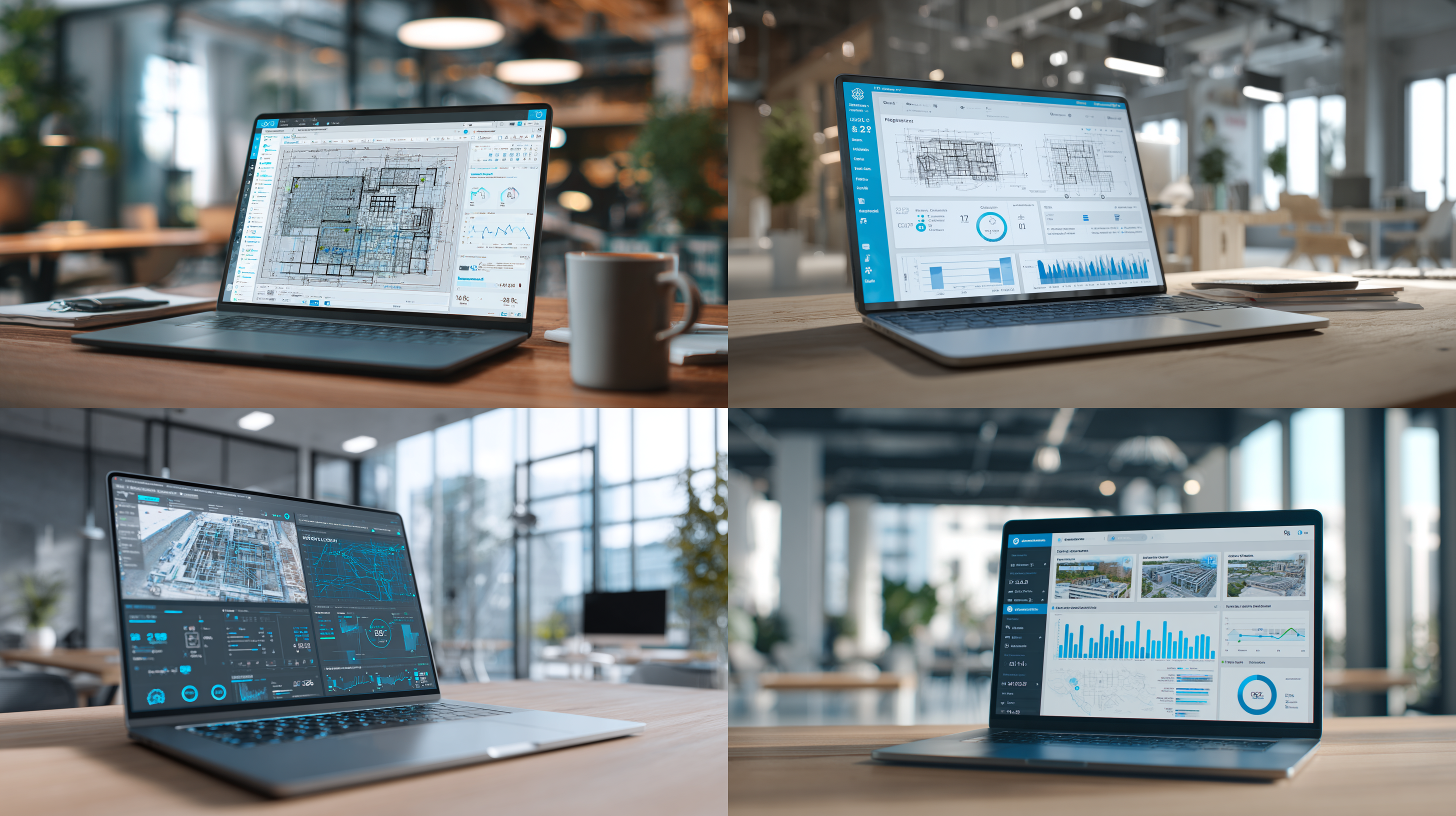
Solar PV Takeoffs
Solar PV system takeoffs with panel counts, inverter schedules, and electrical balance of system components extracted from your solar plans.
- Solar panel layouts with array configurations
- Inverter and combiner equipment schedules
- Conduit and wire runs for DC and AC systems
Security & Access Control
Security and access control system takeoffs including device counts, cable runs, and equipment schedules for surveillance and access systems.
- Camera locations, card readers, and access control devices
- Cable runs and power requirements by zone
- Control panel and recording equipment schedules
How TakeoffBuilder Works
We don't do generic "symbol counting." Each trade has its own AI model trained on thousands of real plans. Electrical model knows duplex from GFCI. Plumbing model distinguishes P-traps from cleanouts. This depth means accuracy that generic OCR tools can't match.
Most residential plans complete in about 15 minutes. Larger commercial projects with 10-50 pages typically finish in 1-2 hours. Compare that to 40+ hours of manual counting.
We accept PDF files and images (PNG, JPG). For best results, upload the full PDF plan set. We can handle files up to 150MB.
Our AI has been trained on thousands of construction plans and produces professional-grade takeoffs. We provide component counts, materials lists, and labor estimates that contractors use for real bids.
We support Electrical, HVAC, Plumbing, General Construction, Fire Protection, Low Voltage, Mechanical, and Architectural takeoffs.
See It In Action
Watch how AI transforms your construction plans into accurate material lists
Why Contractors Choose TakeoffBuilder
Compare TakeoffBuilder's AI-assisted workflow to traditional manual counting and takeoff software
Feature
TakeoffBuilder
Traditional Methods
Typical Turnaround Time
15 minutes AI + 15-30 min review
40+ hours manual counting
Accuracy Rate
95%+ consistent accuracy
Varies by estimator fatigue
Cost Structure
$15 per takeoff with credits
$250-1000 per takeoff service
Software Training Required
None—upload and get results
Days of training for PlanSwift/Bluebeam
Subscription or Pay-per-Use
Pay only when you use it
Monthly subscription required
Works With Existing Tools
Export to your estimating software
Replace your entire workflow

Built for Contractors Who Verify Everything
Contractors everywhere—Facebook groups, Reddit, forums—complaining about the same thing: estimators cost money and you still end up counting anyway. Pay $250-1000 for a takeoff, then spend hours verifying it. That's the broken system. TakeoffBuilder makes the verification part faster because that's the part you're going to do anyway.
- Built after seeing contractors struggle with expensive estimating services
- Focused on making verification faster, not eliminating it
- Credits never expire—use at your pace, no subscription lock-in
Simple Pricing, No Subscription
First takeoff free. Then buy credits when you need them. Credits never expire, no monthly fees. Pay only when you use it.

First Takeoff Free
Test TakeoffBuilder risk-free with your first takeoff. Plans under 20 pages are completely free—no credit card required. Upload your plans, see the results, decide if it works for your workflow.
✓ Plans up to 20 pages
No credit card required. Get complete takeoff results to test accuracy on your own plans before buying credits.
Upload plans → Select trade → Download results. Test the full workflow before committing to any purchase.

Pay-Per-Use Credits
Buy credits when you need them. A typical 50-page commercial plan costs 3 credits ($15). Credits never expire—no monthly fees, no subscription. Pay only when you use it.
1-20 pages: 1 credit | 21-50 pages: 3 credits | 51-100 pages: 5 credits | 100+ pages: 7 credits + 1 per additional 50 pages
10 credits: $50 ($5/credit) | 25 credits: $100 ($4/credit) | 50 credits: $175 ($3.50/credit) | 100 credits: $300 ($3/credit)
Credits never expire. Buy once, use whenever you need them. No recurring charges or subscription fees.
Export to Your Tools
Export your material counts to Excel (.xlsx) or CSV format. Import directly into PlanSwift, Accubid, or your existing estimating software. We handle the counting; you handle the pricing in tools you already know.
Excel (.xlsx), CSV, JSON, Markdown, and annotated PDF exports available for every takeoff.
Material lists organized by category to match standard estimating workflows. Direct import to PlanSwift and Accubid supported.
Use toggles and modifiers to adjust quantities before export. Add your typical 10-12% markup right in the interface.
95%+ Accuracy Rate
AI achieves 95%+ accuracy on standard commercial drawings. Items with lower confidence automatically get flagged for your review. You know exactly what needs verification and what you can trust.
Claude AI understands construction plans semantically—not just OCR. Context-aware recognition of components and their relationships.
Lower confidence items automatically flagged. Spot-check the bulk count and verify flagged items—typically 15-30 minutes vs hours of full manual counting.
Consistent results every time. AI doesn't get tired at hour 30 of counting. Same methodology across all your takeoffs.
Trusted by Contractors Nationwide
Contractors using TakeoffBuilder are bidding more jobs and winning more work. See what they're saying about AI-assisted takeoffs.
6 reviews
"The flagging system is smart—tells me exactly what to double-check. Counted a 40-page mechanical set in under an hour total. That's including my review time."
"We're bidding twice as many jobs now. The speed advantage is real—get your count same day instead of waiting a week for an estimating service."
"Export to Excel, import to our estimating software. It just works. No complicated setup, no training videos—uploaded plans, got results 10 minutes later."
"Finally a tool that understands you're going to verify the count anyway. Makes that verification fast instead of starting from zero. Smart approach."
"Credits never expire is huge. We don't bid every week—nice to buy credits and use them over months without subscription pressure."
Common Questions
Get answers to the questions contractors ask most about AI-assisted takeoffs.
Will it work on my plans?
We work best on commercial construction plans with standard symbols. Residential plans work well too. Hand-drawn markup, unusual custom symbols, or very low-resolution scans may reduce accuracy. The cleaner the PDF, the better the results.
- Commercial and residential plans supported
- First takeoff free so you can test on your own project
Can I trust the count without checking?
We recommend spot-checking, especially on your first few takeoffs. Compare a section manually to build confidence. The system flags items with lower confidence for your review. Most users find they can trust the bulk count and just verify flagged items—that's still hours saved.
- Smart flagging highlights items needing review
- Verification takes 15-30 minutes vs hours of manual counting
What about code compliance?
Set your code year (NEC/IPC/IMC), project type, and location conditions. We adjust recommendations automatically. NEC 2020, 2023, 2026 supported. Potential code violations get flagged in your material list.
- Multiple code versions supported
- Compliance notes included with material lists
What if my plans are complex?
We've processed 47-page permit sets with full AV systems. Complex is what we're built for. 1,091 symbol definitions, 487 trade abbreviations recognized. Custom or unusual symbols get flagged for manual review.
- Trained on thousands of real commercial plan sets
- Handles multi-trade coordination drawings
How does it compare to manual takeoffs?
The AI gives you a strong starting point in 10-15 minutes. You review and adjust in 15-30 minutes. Total: under an hour. Manual takeoffs take 40+ hours for the same plan set. The outcome is the same—verified counts you trust. The difference is time.
- Under 1 hour total vs 40+ hours manual
- Same verified outcome, fraction of the time
What if everyone uses the same AI?
TakeoffBuilder gives you the baseline count faster. Your competitive advantage comes from how you price, what markup you apply, and how you bid the job—not from counting symbols. The AI frees your time to focus on strategy, not counting.
- Counting is the baseline, your judgment is the advantage
- Win by bidding more jobs, not by counting faster manually
Still have questions? We're here to help.
Contact UsReady to Get Started?
Contact us today for a free consultation
- First takeoff free—test with your plans before buying credits
- Get initial counts in 15 minutes, review in 15-30 more
- Export to Excel or CSV ready for your estimating software

/images/video-poster.png
/images/favicon.svg